
support@kartelinfotech.in 8882662455 | 7678188970
Kartel Infotech
Get Demo
Home Tally Prime TDL Item Image Module
TALLY PRIME TDL

Item Image Module

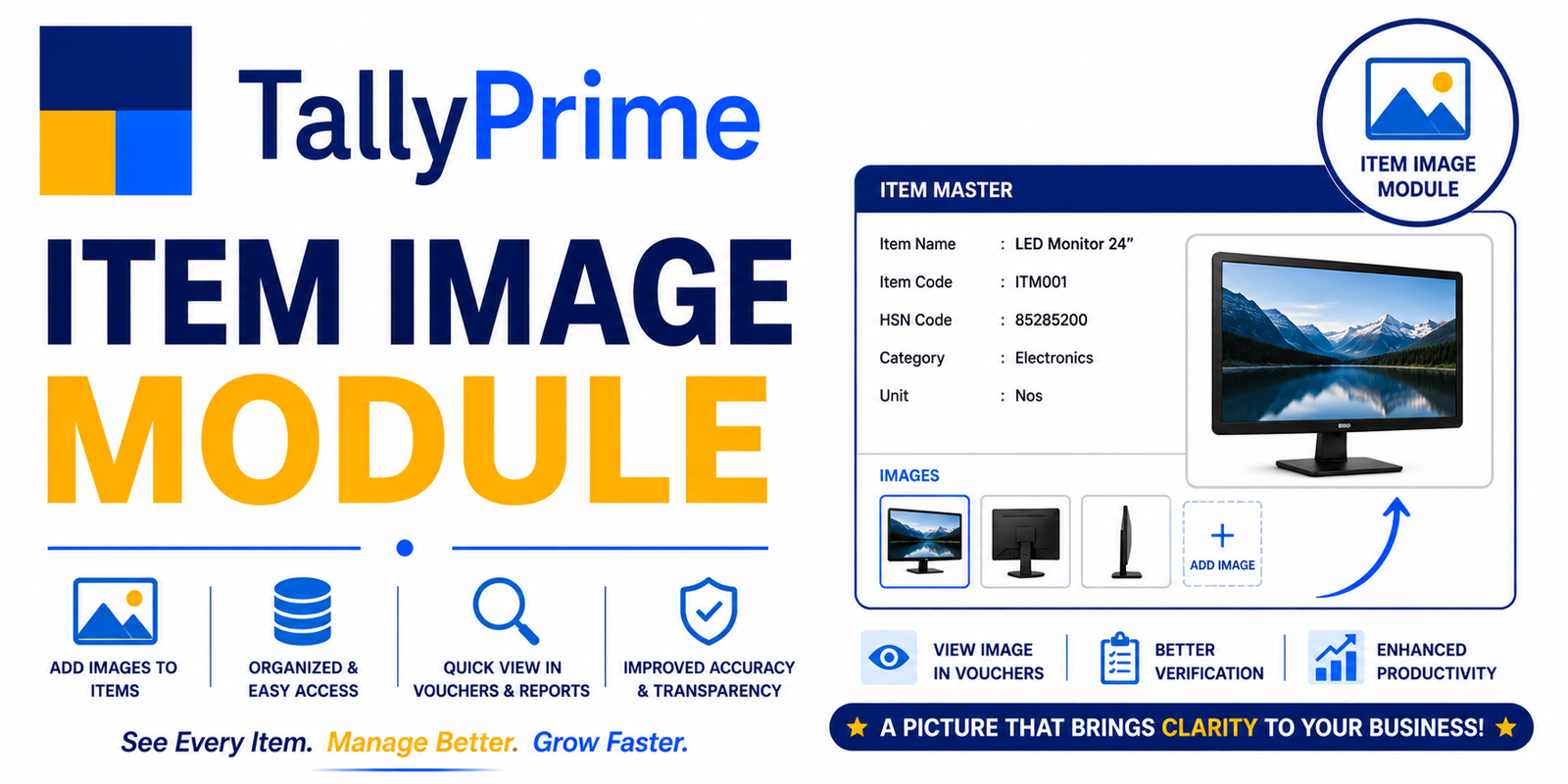
Tally Stock Details with Item Image TDL displays item images along with stock, quantity, rate, and other inventory details. Get quick visual identification of items and improve stock monitoring, selection, and inventory management.

  • Item Image Display
  • Stock-wise Image Tracking
  • Quantity & Rate Display
  • Quick Item Identification
Item Image Module

About This Solution

TallyPrime Stock Details with Item Image TDL

View Item Image, Stock, Quantity & Rate Together

Add an Image to your Stock Item Master once and display it wherever required. During billing, the selected item's image can also be displayed on the billing screen, making product identification faster and easier.

Get TallyPrime Image TDL

Define Once. Display Automatically.

The TallyPrime Stock Details with Item Image TDL allows you to define an Image in the Stock Item Master and use that image across stock-related screens and billing workflows.

01. Define Item Image

Add and define the required Image directly in the Stock Item Master.

02. Display During Billing

When an item is selected during billing, its Image can be displayed on the Billing Screen.

03. View Stock Details

View the item image along with Quantity, Rate and other stock details.

Image on Billing Screen

Make product identification easier while creating sales invoices. Once the image is defined in the Stock Item Master, the selected item's image can be shown on the billing screen.

Select Item Select the required stock item during billing.
Item Image The mapped item image can be displayed on the billing screen.
Product Identification Quickly identify the selected product visually.

Stock Details With Item Image

Get important inventory information together with the product image for faster identification and better stock monitoring.

Item Image

Visual identification of the product.

Quantity

View available stock quantity.

Rate

View relevant item rate information.

Stock Information

Access other required inventory details.

One Image — Multiple Uses

Define the image once at the Stock Item Master level and use it across different business requirements.

  • Image defined in Stock Item Master
  • Image displayed during billing
  • Image with stock details
  • Visual product identification
  • Custom image-based reports as required

Why Businesses Use Visual Stock & Billing

Faster Identification

Identify products quickly using their image.

Better Billing

View the product image while billing.

Better Stock Control

Combine visual and inventory information.

Easy Product Selection

Make product selection more convenient.

Customized TallyPrime Image TDL

We can customize the module according to your specific billing, inventory and reporting requirements.

  • Custom Image Display
  • Billing Screen Image Integration
  • Stock Details With Image
  • Custom Image-Based Reports
  • Business-Specific TDL Logic
  • Customized Print & Display Requirements

Make TallyPrime More Visual & Efficient

Define your product image once and display it where your business needs it.

Discuss Your Requirement

Key Features

  • Item Image Display
  • Stock-wise Image Tracking
  • Quantity & Rate Display
  • Quick Item Identification
  • Image-based Item Selection
  • Inventory Visualization
  • Item Master Image Management
Support